
 https://apolloflightprogram.netlify.app/
 Join our Discord
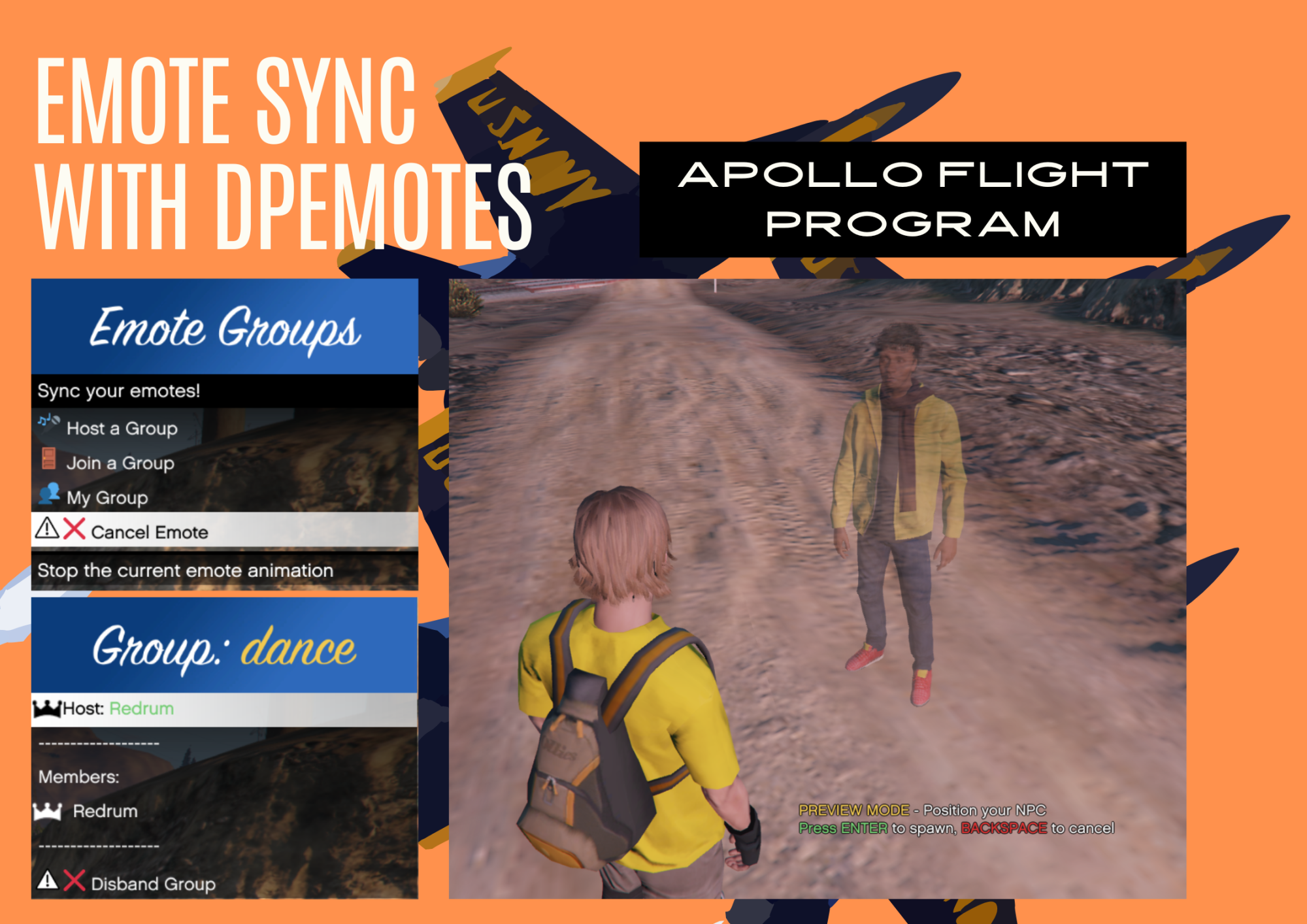
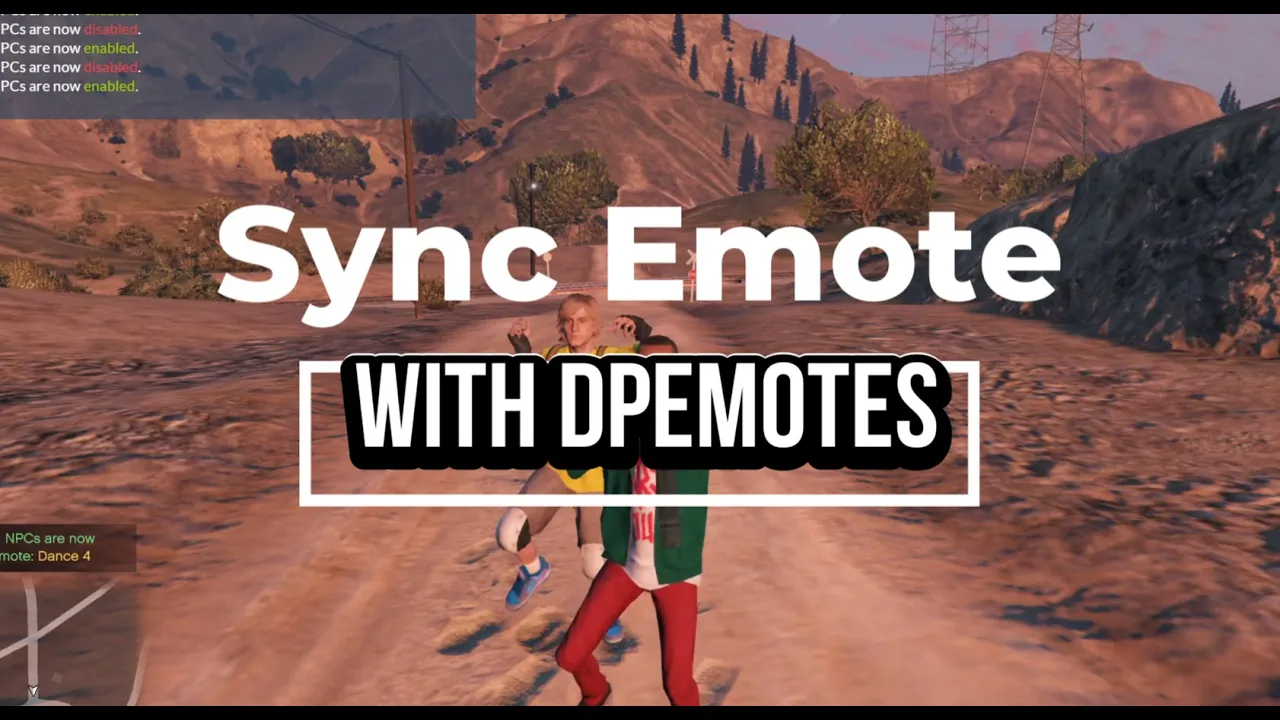
Create synchronized emote groups with friends or with NPCs. There are two scripts in this package.
-
First script allows players to form groups and perform perfectly synchronized dances, emotes, and animations together. Perfect for performances, dance crews, roleplay scenes, and creating viral moments with your squad
-
Second script allows you to spawn NPCs that can perform any DPEmotes animation in perfect sync. Perfect for nightclubs, events, street performances, and creating immersive RP scenes.
REQUIREMENTS
-
DP Emotes from (REQUIRED)
-
FXServer build 2802 or higher
FEATURES
Emote Sync With Players
-
Create and host emote groups with custom IDs
-
Join groups with simple ID codes
-
Perfectly synchronized emotes across all group members
-
Host controls - only the host can trigger group emotes
-
Group management - kick members or disband groups
-
Supports up to 20 members per group (configurable)
-
Full DPEmotes integration (all emotes, dances, and animations)
-
Network synchronized - works across entire server
-
Easy-to-use menu system with NativeUI
-
Quick command system for hosts
-
Adjustable sync delay for perfect timing
Emote Sync with NPCs
-
Spawn up to 20 synchronized NPCs
-
Full integration with DPEmotes (all emotes, dances, and animations)
-
Visual preview mode when spawning NPCs
-
Network synchronized - visible to all players on the server
-
Easy-to-use menu and command system
-
Individual NPC deletion or delete all at once
-
Customizable configuration
-
Support for any custom PED model
COMMANDS REFERENCE
Emote Sync With Players
-
/emotegroup - Open the emote group menu
-
/eg [emote] - Play synchronized emote (HOST ONLY)
-
/egcancel - Cancel current emote or press X
Emote Sync With NPCs
-
/emotegroupnpc - Open the NPC control menu
-
/egn [emote] - Make all NPCs play specified emote
-
/egncancel - Stop all NPC emotes
-
/egndelete - Delete the NPC in front of you (within 5m)
-
/egndeleteall - Delete all spawned NPCs
-
X Key - Cancel preview mode or cancel all emotes
USAGE GUIDE
Sync Emote with Players
=== CREATING A GROUP (BECOMING A HOST) ===
- Type /emotegroup to open the menu
- Select "🎤 Host a Group"
- Enter a unique Group ID (e.g., "dance1", "squad", "show")
- You are now the host! Share the Group ID with friends
=== JOINING A GROUP ===
- Ask the host for the Group ID
- Type /emotegroup to open the menu
- Select "🚪 Join a Group"
- Enter the Group ID the host gave you
- You're in! Wait for the host to start emotes
=== PLAYING SYNCHRONIZED EMOTES (HOST ONLY) ===
As the host, you have two options:
Method 1: Quick Command (Recommended)
/eg [emote_name]
Examples:
-
/eg dance - Everyone dances together
-
/eg dance4 - Everyone does dance4
-
/eg salute - Everyone salutes in sync
-
/eg sit - Everyone sits simultaneously
Method 2: Use DPEmotes Menu
-
Open your DPEmotes menu (/emotemenu or /emotes)
-
Select any emote
-
All group members will perform it in sync!
=== CANCELLING EMOTES ===
Host:
-
/egcancel - Cancels emote for ALL group members
-
X key - Same as above
Members:
- /egcancel - Cancels only your own emote
- X key - Same as above
=== VIEWING YOUR GROUP ===
- Type /emotegroup
- Select "👥 My Group"
- See group info, host name, and all members
- Access management options (if host)
=== GROUP MANAGEMENT (HOST ONLY) ===
In the "My Group" menu, hosts can:
Disband Group:
-
Removes all members
-
Closes the group
-
Everyone is notified
Kick Member:
-
Select a member to remove
-
They are kicked from the group
-
Other members are notified
=== LEAVING A GROUP (MEMBERS) ===
- Type /emotegroup
- Select "👥 My Group"
- Select "🚶 Leave Group"
- You're out! Can join another group anytime
Sync Emote with NPCs
=== SPAWNING NPCS ===
Method 1: Using the Menu
- Type /emotegroupnpc to open the menu
- Select "➕ Spawn NPC"
- Enter the PED model name (e.g., "a_m_y_hipster_01", "s_f_y_clubbar_01")
- Move around to position the ghost preview
- Press ENTER to confirm spawn or BACKSPACE to cancel
Method 2: Quick Commands
- The menu provides a visual interface for all options
=== CONTROLLING NPC EMOTES ===
Make all spawned NPCs perform an emote:
/egn [emote_name]
Examples:
-
/egn dance - NPCs do the dance emote
-
/egn dance2 - NPCs do the dance2 emote
-
/egn sit - NPCs sit down
-
/egn salute - NPCs salute
Cancel all NPC emotes:
-
/egncancel
-
OR press X key at any time
=== DELETING NPCS ===
Delete closest NPC (must be in front of you):
/egndelete
Delete all NPCs at once:
-
/egndeleteall
-
OR use the menu option "🗑️ Delete All NPCs"