
 https://apolloflightprogram.netlify.app/
 Join our Discord
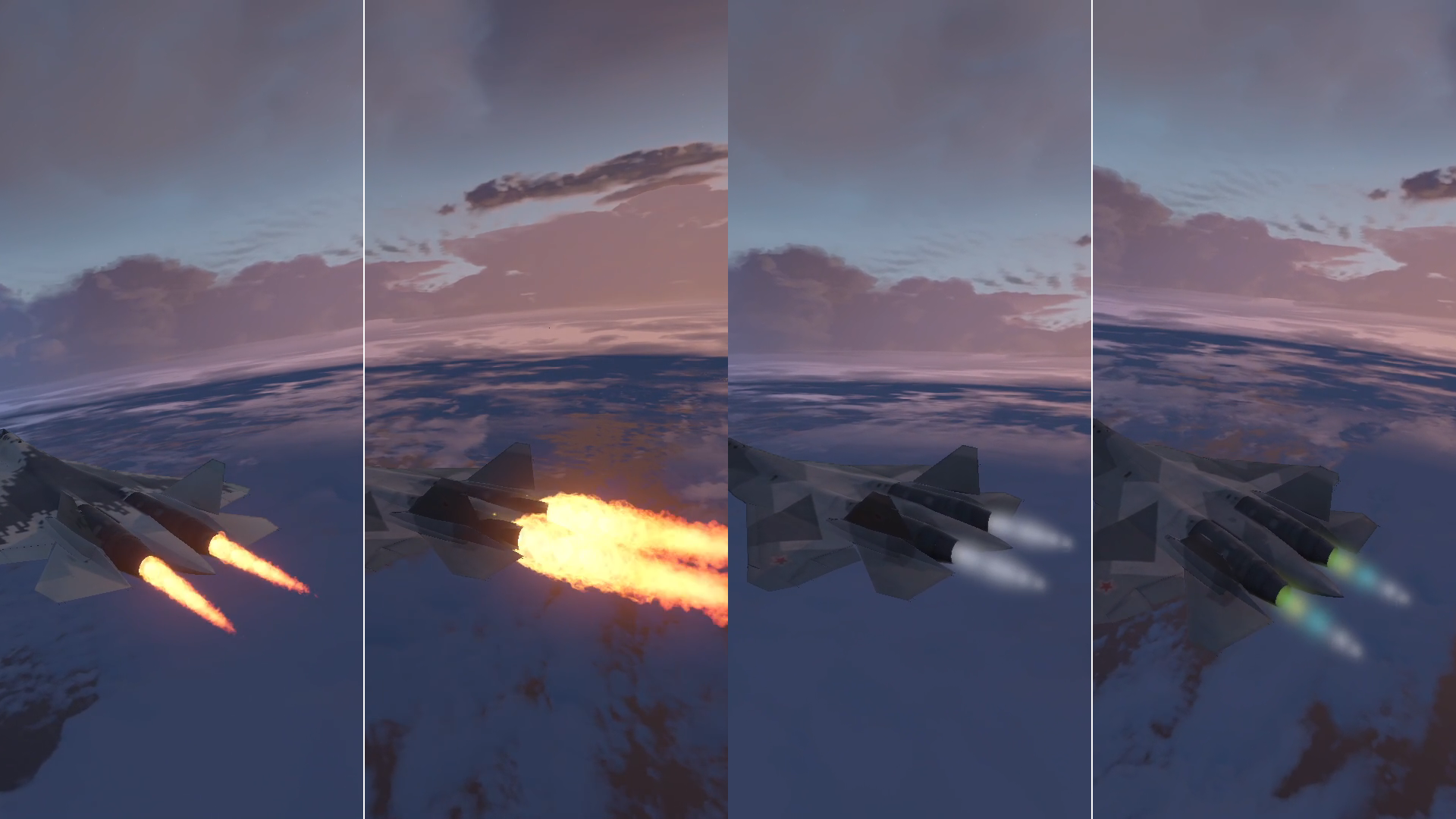
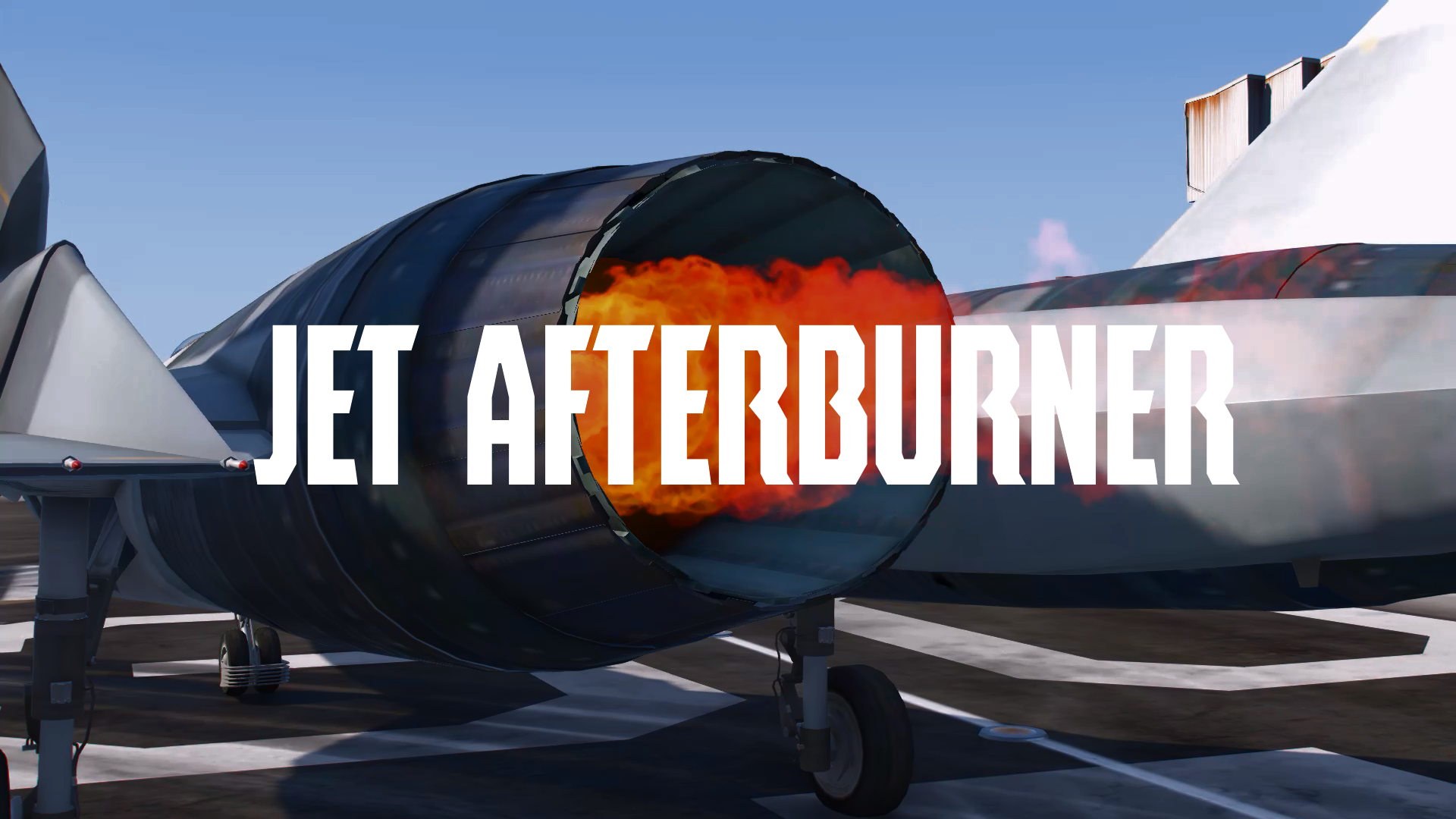
Jet Afterburner FX
A dynamic, fully-customisable afterburner for every jet on your FiveM server. Push the throttle and a layered flame ignites behind your aircraft — with two distinct flame styles, an in-game tuning menu, and complete colour control.
Two Flame Styles
RIGID (default) — a long, narrow afterburner plume built from our exclusive custom particle dictionary (ships with the resource). It stays rigid — never bends when you turn or bank — and glows with a realistic blue-white jet plume. Idle is clean: the flame ignites the moment you throttle up.
LEGACY — the classic orange fiery rocket-boost flame, with firey backfire bursts popping from the nozzles on hard throttle.
Switch styles at any time, from a command or straight from the in-game tuner.
In-Game Tuner ( /abmenu )
A full mouse-driven menu that opens right in-game (close with the X button or ESC):
-
Switch between RIGID / LEGACY
-
Adjust flame scale and throttle spool (idle charge, charge rate, drain rate)
-
Colour the flame however you want — 19 presets, custom hex input, RGB sliders, or drag across a full spectrum (rainbow) bar
-
Per-segment tints — colour each flame layer individually to build gradients
-
Add / remove flame segments and tune position, size, opacity and throttle gate
-
Toggle legacy backfire bursts
Every change auto-saves to settings.json and persists across restarts; "Reset to defaults" restores the shipped config in one click.
Full Colour Control
The rigid flame is fully recolourable: preset swatches, exact hex codes, RGB sliders, or a drag-to-pick spectrum bar — plus independent tints per flame segment. Colour controls appear in RIGID mode (the native legacy rocket flame is not recolourable).
Works With Native & Add-On Jets
Pre-configured for stock GTA 5 jets — hydra, lazer, raiju, pyro, molotok, starling, rogue, strikeforce, tula, vestra — as well as custom MBO and any other add-on jets. Includes smart per-model nozzle placement (auto rear-nozzle positioning for native jets), twin-engine auto-mirroring, bone auto-detect, and /abscan to fine-tune any model.
Multiplayer
Works for local and remote players — everyone sees everyone's afterburner in real time. The effect is fully client-side, so there is zero server load no matter how many jets are in the air.
Performance
Optimised to run almost free. Per-frame work is skipped whenever values haven't changed, so idle or steady flight costs virtually nothing on the client.
Commands
-
/abmenu— open the in-game tuner -
/afterburner rigid | legacy | menu— switch style / open tuner -
/abscan— list the current plane's nozzle bones
Configuration (config.lua)
-
enabledModels— whitelist of planes that get the flame (native jets pre-enabled) -
blacklist— planes that never get the flame -
nozzles— per-model bone overrides, or"rear"for automatic rear-nozzle placement -
scale/legacyScale— flame size -
flameSegments/legacySegments— flame length, shape and per-segment colour -
idleCharge/chargeRate/drainRate— throttle behaviour -
color— default rigid flame colour (realistic blue-white) -
customAsset— point at your own particle dictionary if you ever build one
Files & Escrow
-
config.lua— user-editable, not escrowed -
client.lua/server.lua— escrowed core -
settings.json— runtime-saved tuner settings -
nui/— the in-game tuner interface -
stream/— the exclusive custom particle dictionary
Installation
- Copy the
afp-afterburnerfolder into your server'sresources/directory. - Add
ensure afp-afterburnerto yourserver.cfg. - Restart the server.
That's it — no dependencies, no database, no additional setup.
Notes
-
Only planes trigger the effect; helicopters and ground vehicles are unaffected.
-
The engine must be running for the effect to appear.
-
Stale / destroyed vehicles are cleaned up automatically.