
 https://apolloflightprogram.netlify.app/
 Join our Discord
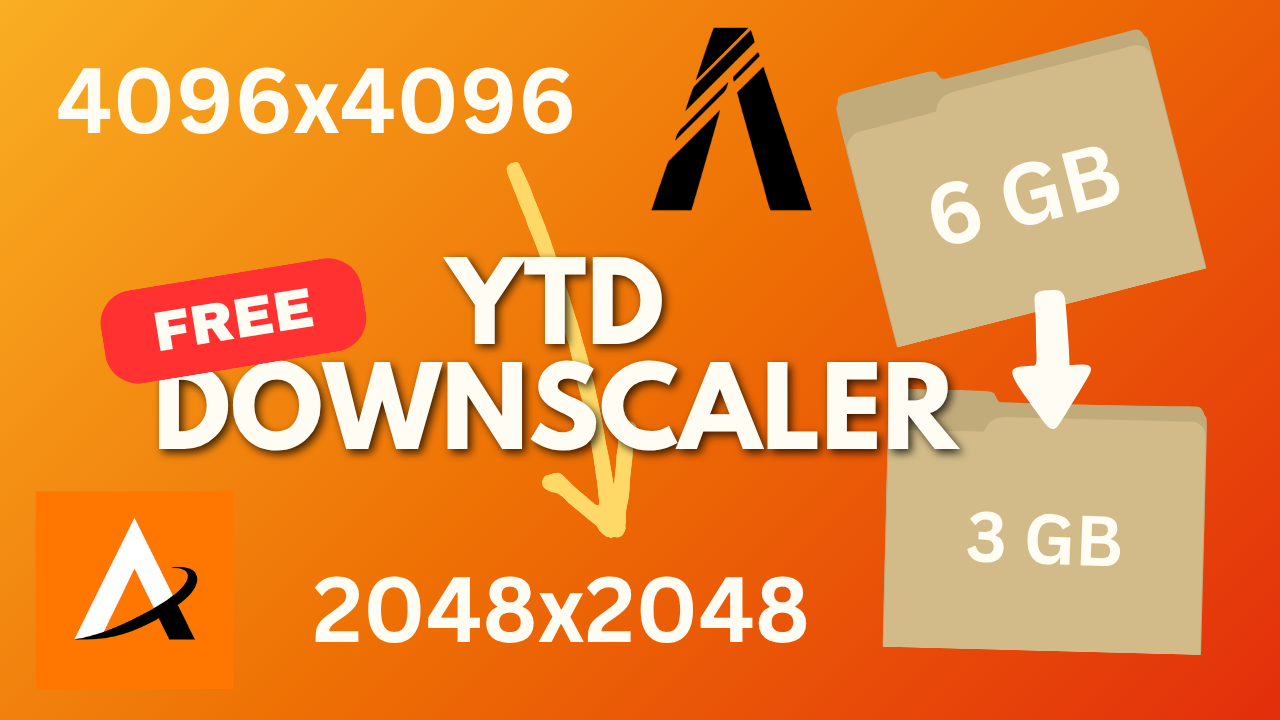
Instantly reduce the size of your FiveM vehicle
.ytdfiles — cut file sizes dramatically, speed up server downloads, and keep your players loading in faster. No Photoshop. No manual work.
Free full guide and source code in this video: Video
What This Is
This is a C# source file (Program.cs) that builds a small Windows command-line tool for FiveM developers and server owners.
It takes your vehicle texture files (.ytd) — the biggest cause of large, slow-to-download FiveM resources — and automatically downscales every texture by half, dramatically shrinking the file size while keeping your vehicles looking great.
Instead of editing textures one by one in an image editor, you drop your whole vehicles folder onto the window and walk away. Every .ytd in every stream folder is processed automatically.
Perfect for: ESX/QBCore/standalone servers, vehicle packs, garage scripts, or anyone shipping vehicles that are slow for players to download.
Features
-
Batch process everything — drop ONE folder containing all your vehicles; the tool finds every
streamfolder and every.ytdinside it automatically. -
Drag & drop friendly — drop files or folders straight onto the window. No command-line knowledge needed.
-
Halves texture resolution — 2048×2048 → 1024×1024, 1024×1024 → 512×512, and so on.
-
Smart skipping — textures already 64×64 or smaller are left untouched so nothing gets ruined.
-
No file clutter — each
.ytdis overwritten in place, keeping the exact same file name so your resource structure stays identical. -
Full console feedback — see every file found, every texture resized, and any errors clearly.
-
Uses proven libraries — built on CodeWalker.Core and Magick.NET. No separate ImageMagick installation required (the library is bundled).
-
PDF guide included — a step-by-step illustrated guide takes you from zero to a finished, optimized vehicle pack.
Requirements
| Requirement | Details | | ----------------- | ------------------------------------ | | Operating System | Windows 10 / 11 | | .NET SDK | .NET 8 or newer (needed to build) | | Editor (optional) | Visual Studio / VS Code for building |
The tool targets
.NET 10in the included project. If you use an older SDK, the guide explains how to change the target framework.
What's Included
-
Program.cs— the complete source code of the YTD Texture Optimizer. -
PDF Guide — a full illustrated guide covering:
-
Setting up the .NET build environment
-
Building the tool (Visual Studio & command line)
-
Using drag & drop and manual folder input
-
Processing a single vehicle vs. an entire vehicles folder
-
Understanding the console output
-
Tips for the best visual quality vs. file size
-
How It Works (Quick Overview)
-
Build the tool using the included guide (one command:
dotnet build). -
Drag your vehicles folder onto the window (or drop individual
.ytdfiles). - The tool scans every subfolder, finds every
streamfolder, and lists the.ytdfiles it found. - Each texture is downscaled to half its resolution and saved back over the original file.
- Done — your vehicle pack is smaller and your players load in faster.
Why Buy This?
-
Saves hours of manual texture editing per vehicle pack.
-
Reduces download size — often cutting vehicle resource sizes by 50% or more.
-
Beginner friendly — you don't need to touch a single line of code to use it.
-
You own the source — modify it, learn from it, or use it as a base for your own tools.
-
Lifetime access to the source + PDF guide. One purchase, use on all your projects.
Important Notes
-
The tool overwrites the original
.ytdfiles — always keep a backup of your vehicle pack before running it. -
Always test optimized vehicles in-game after processing to confirm the visual quality meets your standards.
-
The tool is provided as-is; support is available for setup and build issues via the store chat / Discord.
Delivery
-
Instant digital download after purchase.
-
Files:
Program.cs(source) + PDF guide. -
No physical item — this is a digital product.
Questions before buying? Feel free to reach out!